


If you’ve got a video you need in writing—an interview, lecture, Zoom recording, podcast clip, or a voice memo someone turned into an MP4—you’re not alone. The fastest way to make a video searchable, quotable, and easy to reuse is to turn it into text.
This guide shows how to transcribe a video using five practical methods, from completely free options to polished paid tools—and when it’s smarter to hand it off to professionals.
First, pick the outcome you actually need
Before you start transcribing, decide what “done” looks like. It saves a lot of rework.
- A clean transcript (easy to read, lightly tidied)
- Verbatim (word-for-word, including false starts and filler words)
- Captions/subtitles (time-synced text files like SRT/VTT)
- Speaker labels (e.g., Interviewer / Participant)
- Timestamps (every 30–60 seconds, or per speaker change)
If you’re unsure, a clean transcript with speaker labels is the best default for most people.
Want a transcript that’s ready to share with clients, publish, or submit with confidence? You can get help from a dedicated team via professional transcription services.
A 30-second decision guide (so you don’t waste time)
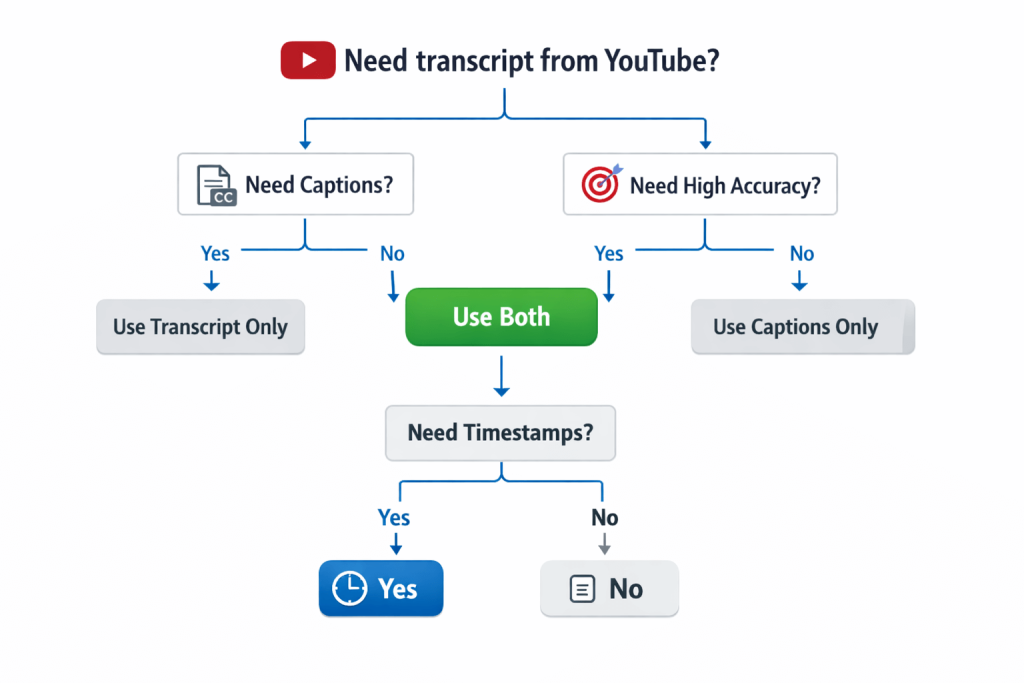
Choose the method based on where your video lives and how accurate it needs to be:
- It’s a YouTube video and you just need the words: Use Method 1
- You have an MP4/MOV file and want a quick draft: Use Method 2 or 4
- You need a totally free workaround: Use Method 3
- You want timestamps, speaker detection, and easy exports: Use Method 4
- It’s important (legal, medical, research, brand content) or the audio is messy: Use Method 5
Before you transcribe: quick prep that boosts accuracy
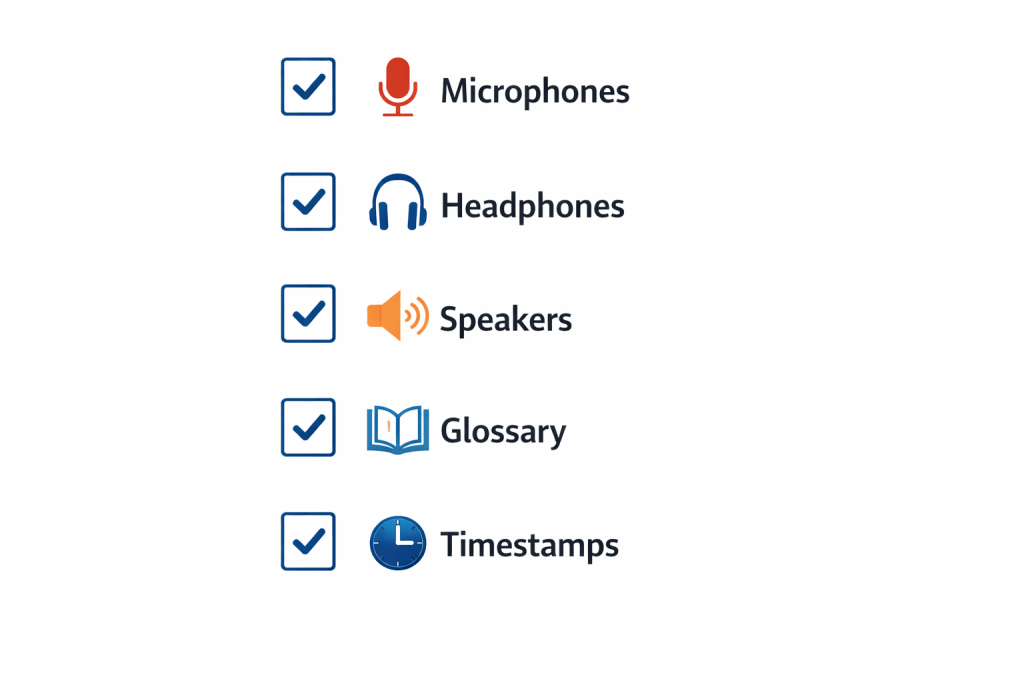
These small steps can dramatically improve results (even for paid tools):
- Use the best audio you can
Export the original file (not a screen recording of a recording). - Reduce noise and echo
If you can, choose a version recorded close to the speaker (lapel mic beats room audio every time). - Note names and jargon upfront
Write down proper nouns, acronyms, product names, and specialist terms. This becomes your “lexicon”. - Decide UK spellings and style
For example: organisation vs organization, programme vs program. - Pick your format
Word document, Google Doc, PDF, SRT captions, etc.
If your project involves specialist vocabulary, you’ll get better results by “transcribing the lexicon” intentionally—meaning you provide a short glossary first, then correct the transcript consistently (more on this below).
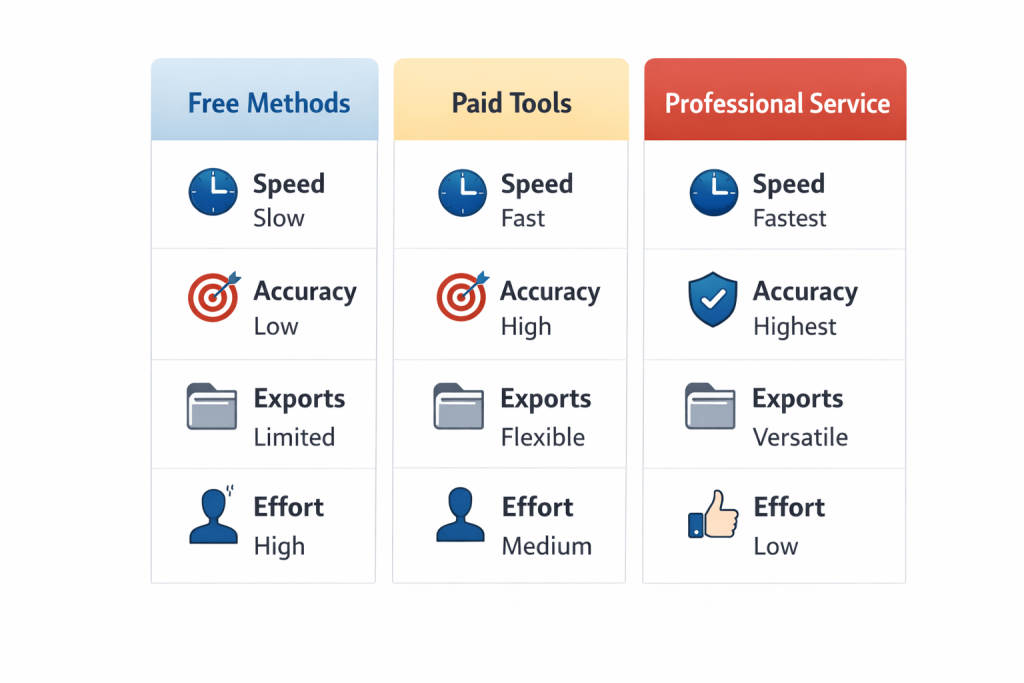
Method 1 (Free): Get a transcript from YouTube (fastest for public videos)
If your video is on YouTube, you may already have a transcript available in seconds.
How to transcribe a YouTube video
- Open the video on YouTube.
- Look for the transcript option (often labelled Show transcript).
- Copy the text into a document.
- Clean it up:
- Add punctuation
- Fix names and places
- Break long blocks into paragraphs
- Add speaker labels if needed
Best for: YouTube interviews, lectures, how-to videos
Watch out for: Missing punctuation, misheard names, and inconsistent formatting
Quick upgrade: If you’re turning the transcript into captions, you’ll want timestamps and line breaks. That’s where Method 4 shines.
Method 2 (Paid, polished): Transcribe a video in Microsoft Word (Microsoft 365)
If you have Microsoft 365, Word can help you transcribe a recording into text without learning new software.
How to transcribe an audio file (or video file) in Word
- Save your video and make sure it’s in a common format (or extract the audio if needed).
- Use Word’s transcription feature to upload the recording.
- Let it generate a draft transcript.
- Edit and format:
- Speaker names
- Paragraph breaks
- Corrected spellings (especially names and brands)
Best for: Meetings, interviews, single-speaker recordings, quick drafts
Watch out for: Heavy accents, cross-talk, or poor audio
If you’re regularly converting recordings from audio to text, this is a solid “default” method for everyday work—especially when you just need a workable first draft.
Method 3 (Free): Google Docs Voice Typing (the “no budget” workaround)
This method is simple: you play the video and let Google Docs type what it hears through your microphone. It’s not perfect, but it’s genuinely useful when you need something free.
How can I transcribe an audio file using Google Docs?
- Open a Google Doc in a supported browser.
- Turn on voice typing.
- Play your video out loud (through speakers), and let Docs capture it.
- Pause often to correct obvious errors.
Best for: Short videos, quick rough drafts, personal notes
Watch out for: Echo, background noise, and lag
Pro tip: If you can, use a second device:
- Device A plays the video audio
- Device B runs Google Docs voice typing
This reduces echo and improves clarity.
Method 4 (Free + paid options): AI transcription tools (fast + export-friendly)
If you want speed and convenience—timestamps, speaker detection, searchable transcripts, and caption exports—this is usually the best experience.
Most AI tools follow the same workflow:
- Upload your video (or audio)
- Generate a transcript
- Edit in a clean interface
- Export as:
- DOCX / Google Doc
- SRT / VTT captions
Best for: Content creators, teams, podcasts, webinars, caption workflows
Watch out for: Proper nouns, numbers, specialist terminology
Turn “good enough” into genuinely usable
After the first draft, do a focused edit pass:
- Correct names and places first (biggest credibility win)
- Fix numbers, dates, and addresses
- Clean repeated filler words (unless you need verbatim)
- Standardise terminology using your glossary/lexicon
If your team needs professional captions or multilingual subtitle workflows after transcription, you can explore voiceover and subtitling services.
Method 5 (Best quality): Professional transcription (when accuracy matters)
Sometimes the real question isn’t “how do you transcribe a video?”—it’s how do you get a transcript you can rely on.
Choose professional support when:
- The audio is messy (cross-talk, background noise, echo)
- You need verbatim accuracy for research or legal use
- You can’t afford errors (names, numbers, medical/legal terms)
- You need consistent formatting, speaker IDs, and timestamps
- Confidentiality and secure handling are essential
At Transcribe Lingo, you can request transcripts tailored to how you’ll use them—clean read, verbatim, speaker-labelled, timestamped—then receive the final files in an editable format. If you’d like a quick, clear quote, you can reach out via the contact page or start with verbatim transcription services if your project needs word-for-word detail.
Want to compare options before starting? You can also download the price rate card.
How to transcribe voice memos (iPhone or WhatsApp) into text
If you’re dealing with a voice note rather than a video, the process is the same—just export it as an audio file.
How do I transcribe a voice memo?
- Save/export the voice memo (or WhatsApp voice note) as an audio file.
- Use:
- Word transcription (Method 2)
- AI transcription tools (Method 4)
- Professional transcription (Method 5) for high accuracy
This also works if someone sent you a “video” that’s basically just a voice recording in an MP4.
“How do you transcribe the lexicon?” (Specialist vocabulary, done properly)
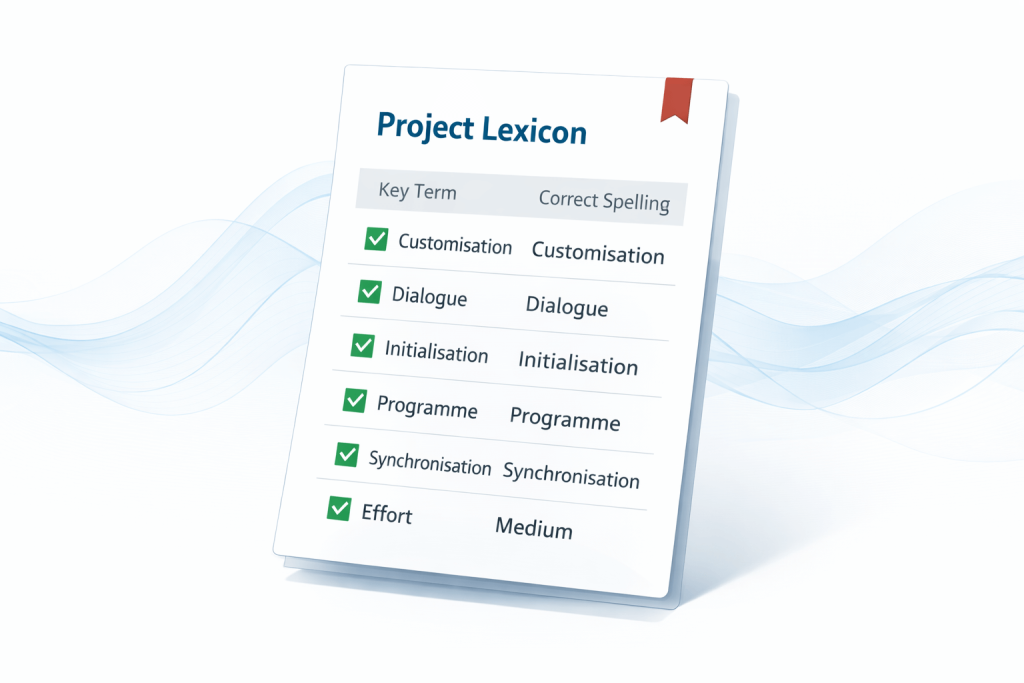
People sometimes use “lexicon” to mean the specialised vocabulary of a field—medical terms, product names, internal acronyms, legal phrases, or research codes.
Here’s the simple way to transcribe the lexicon accurately:
- Create a mini glossary before you start (10–30 key terms)
- Correct those terms first in the transcript (search-and-fix)
- Lock consistent spelling (UK vs US, brand stylings, hyphens)
- Standardise abbreviations (spell out first time, then shorten)
This one step can make an automated transcript look “professional” quickly—because most obvious mistakes come from names and terminology, not everyday speech.
Common issues (and quick fixes)
- “The transcript has no punctuation.”
Do one edit pass just for punctuation and paragraph breaks—ignore wording until it’s readable. - “It keeps getting names wrong.”
Fix names first, then run a find/replace across the whole document. - “Two people talk at the same time.”
AI often struggles here; either re-check that segment manually or use a human service for speaker-heavy content. - “I need captions, not just text.”
Use a tool that exports SRT/VTT, or get support via voiceover and subtitling services.
When you’re ready: a simple next step
If you only need a rough draft, start with Method 1–4 and tidy it up.
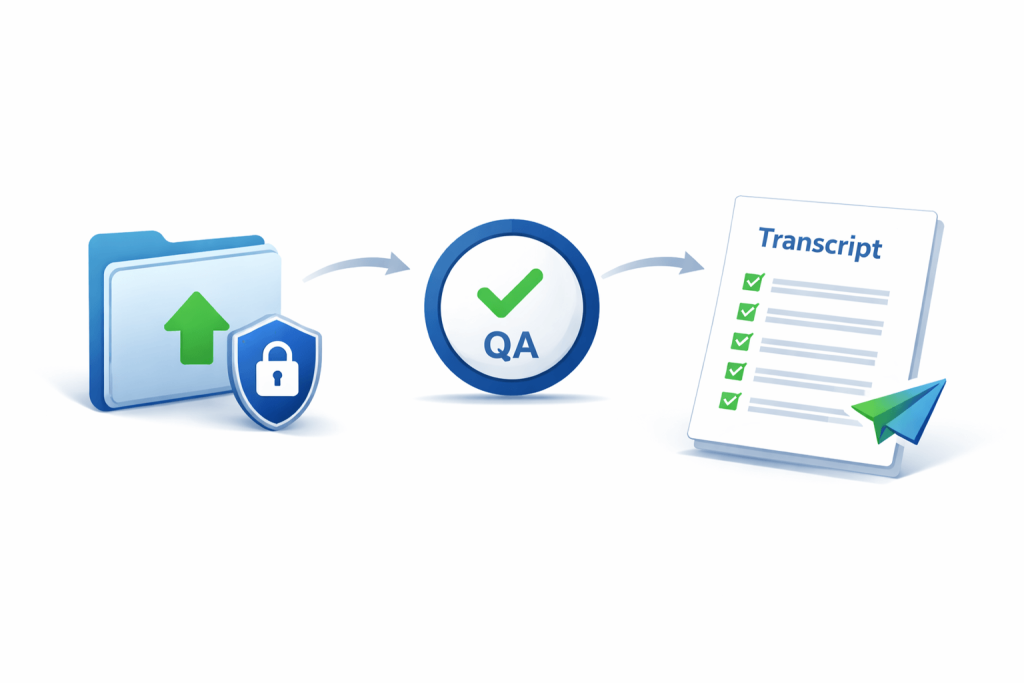
If you need accuracy, clean formatting, speaker labels, and dependable delivery—send your file to a team who does this every day via Transcribe Lingo transcription. For an overview of what a professional service includes, see what a transcription service is.
FAQs
How do I transcribe a video to text for free?
Use YouTube transcripts (if available) or Google Docs voice typing. Both can produce a usable draft without paying, but expect to edit for punctuation and names.
How to transcribe a recording from audio to text accurately?
Start with a tool that allows uploads, then do a focused edit pass for names, numbers, and specialist terms. For high-stakes content, use professional transcription.
How can I transcribe an audio file from my phone?
Export the recording (voice memo, WhatsApp note, or MP4 audio) and upload it to a transcription tool, or send it to a professional service for a polished transcript.
How do I transcribe a voice memo quickly?
Save the voice memo as an audio file and use an upload-based tool (or Word transcription). If you need clean formatting and speaker labels, professional transcription is the fastest route.
How to transcribe an audio file with timestamps?
Use a tool that supports timestamps and exports. If you need consistent timestamps and speaker changes marked clearly, request timestamps as part of a professional transcript.
How do you transcribe the lexicon in specialist videos?
Create a short glossary of names and key terms before you start, then standardise those terms first during editing. This improves quality more than any other single change.
